Aarav
I usually plan trips with friends and book through apps.
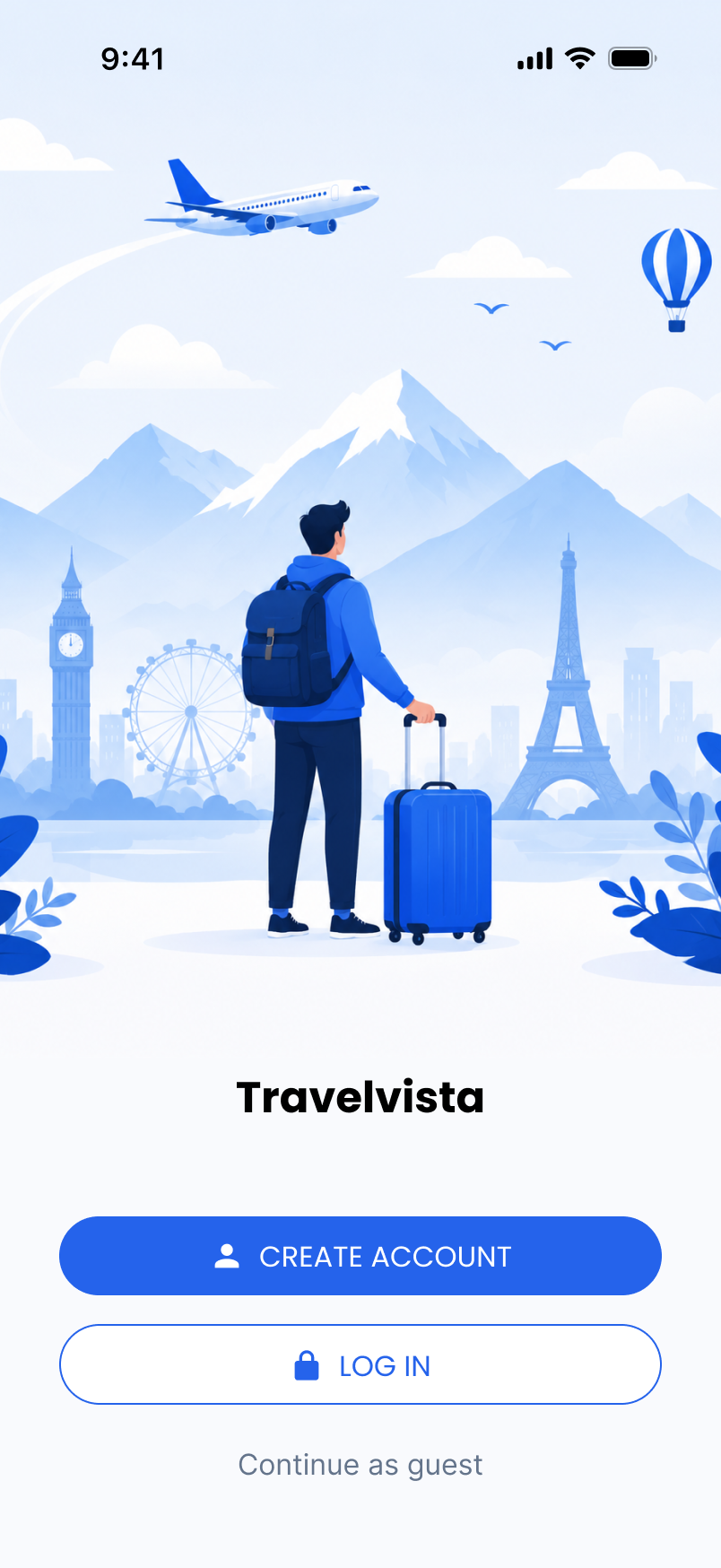
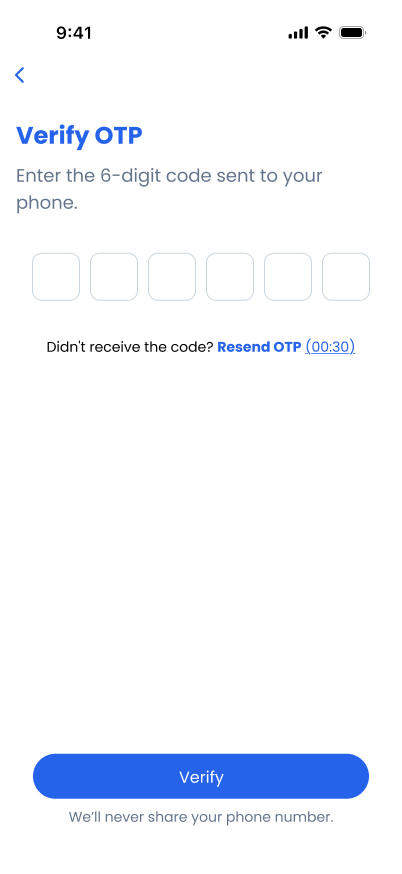
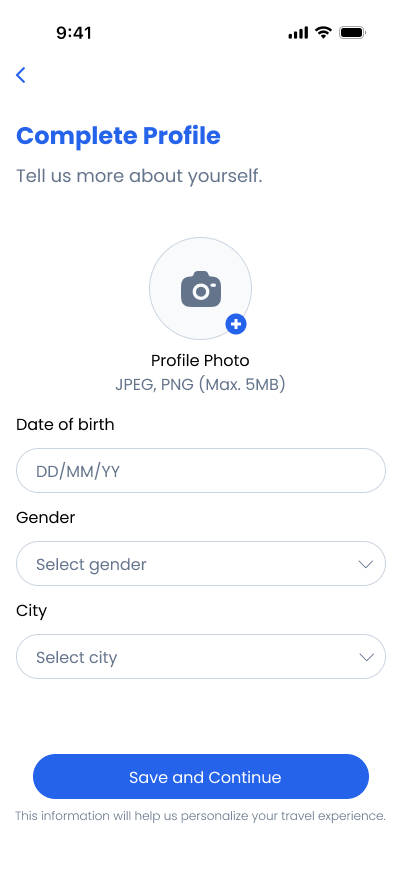
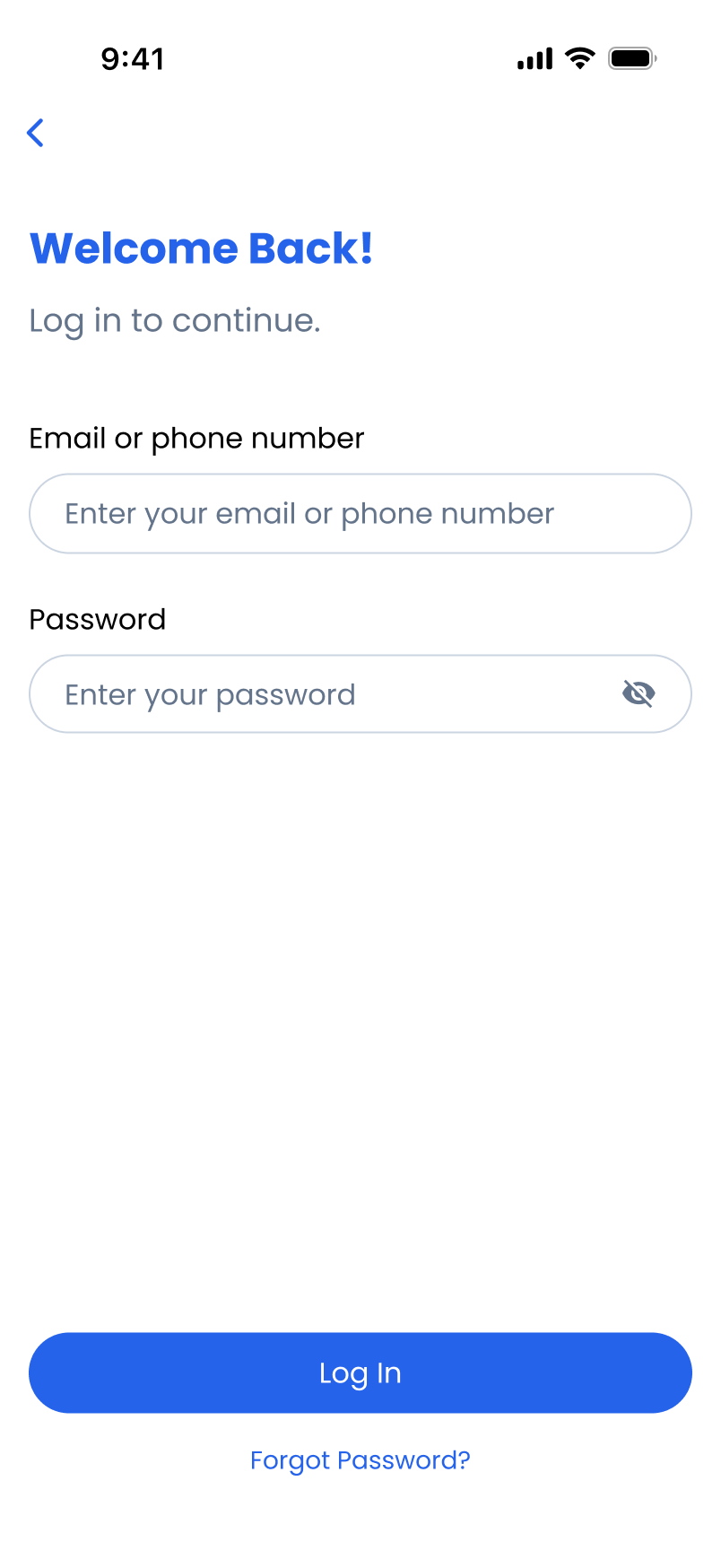
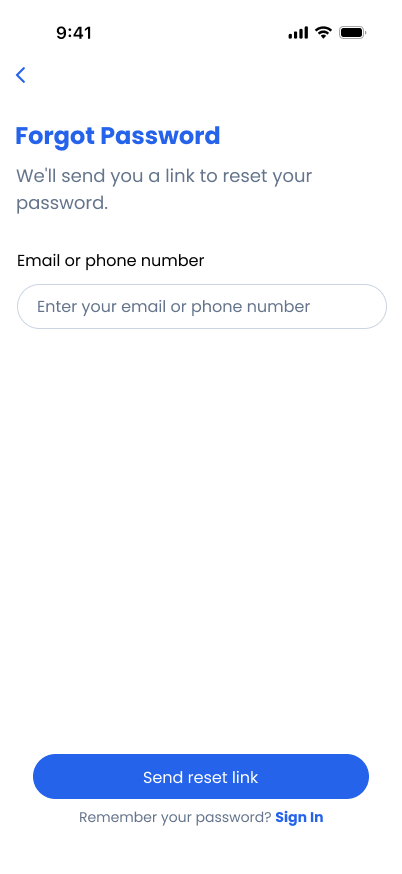
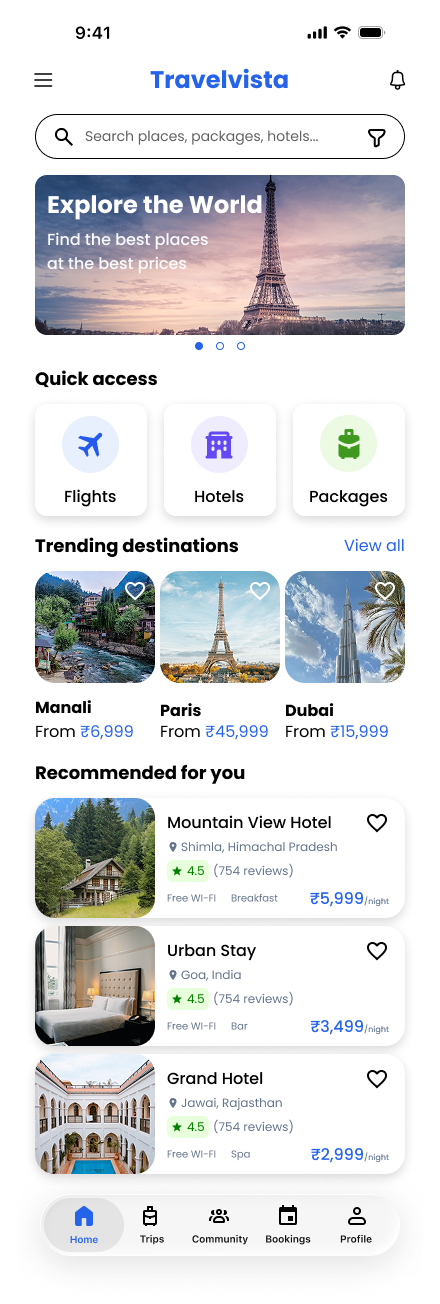
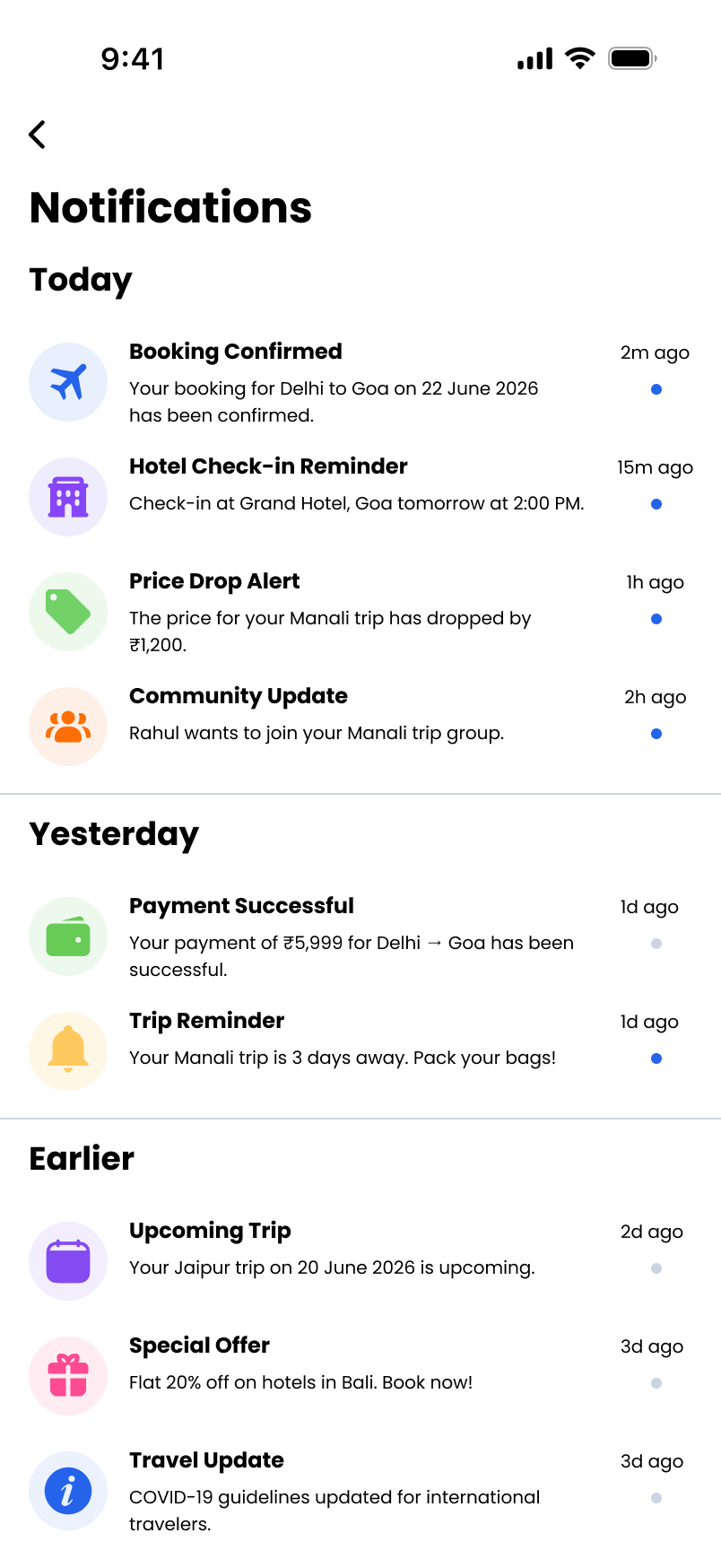
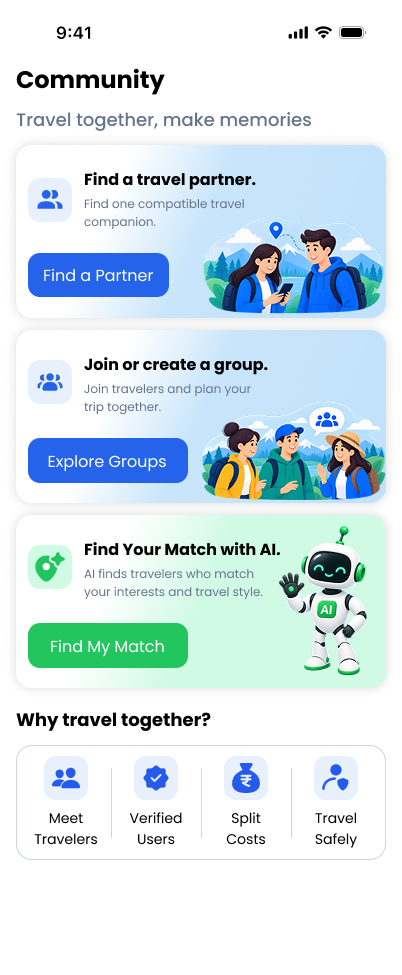
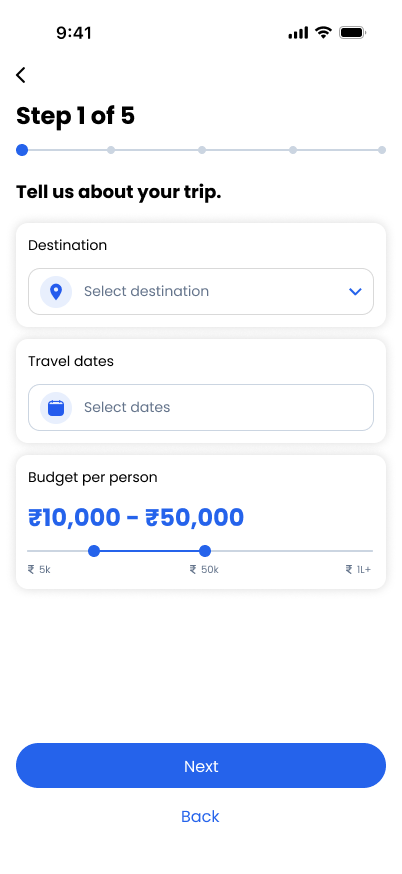
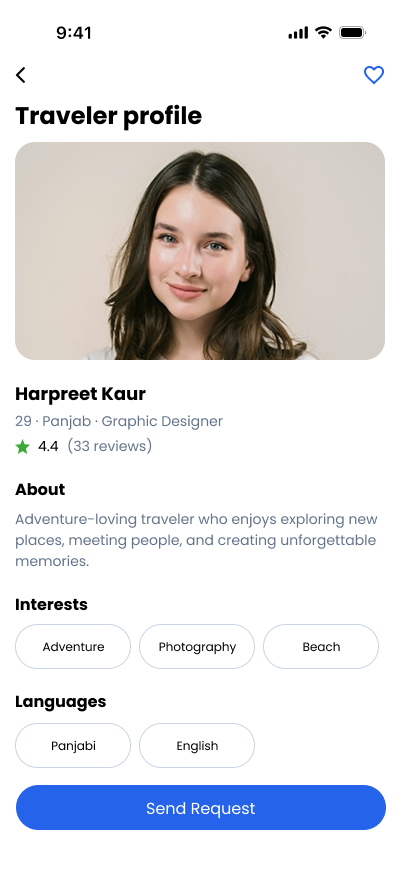
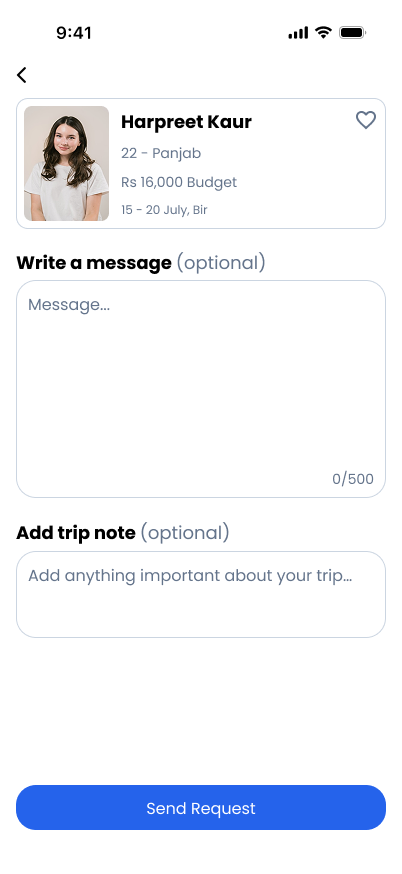
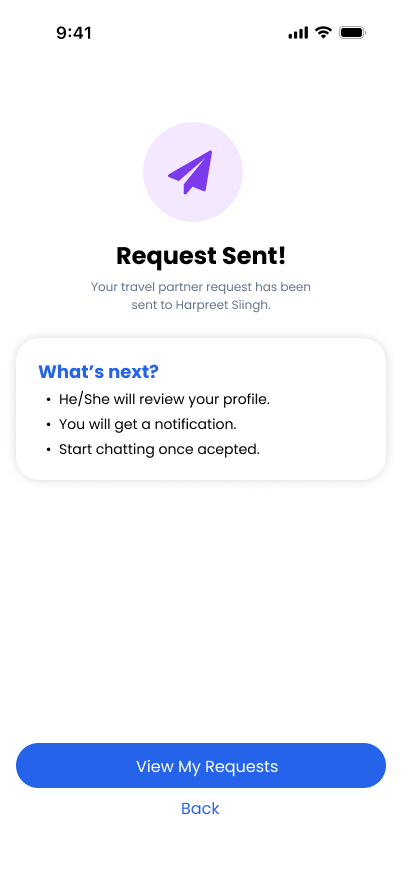
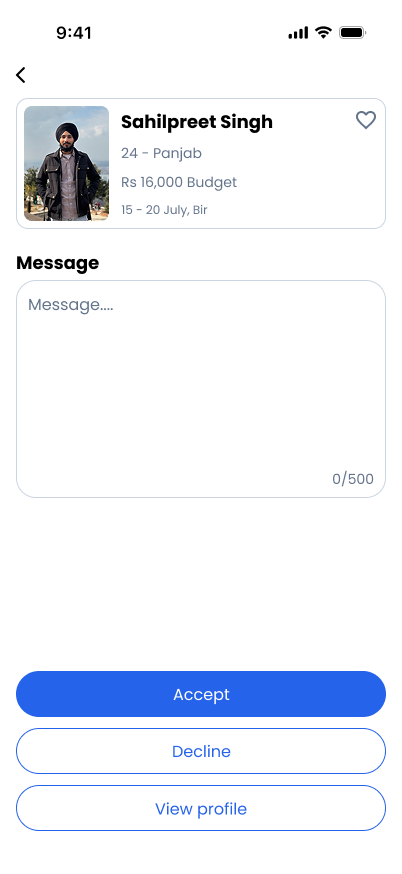
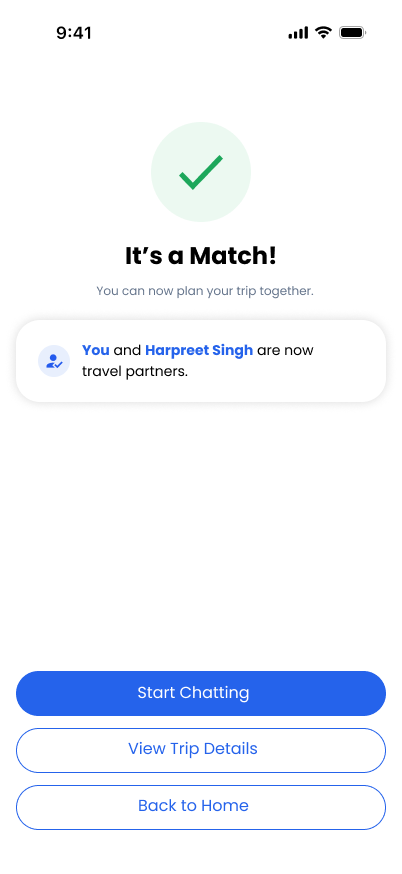
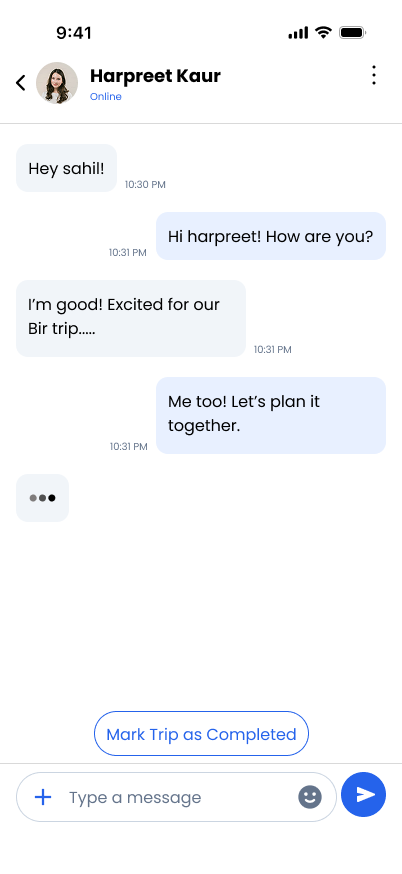
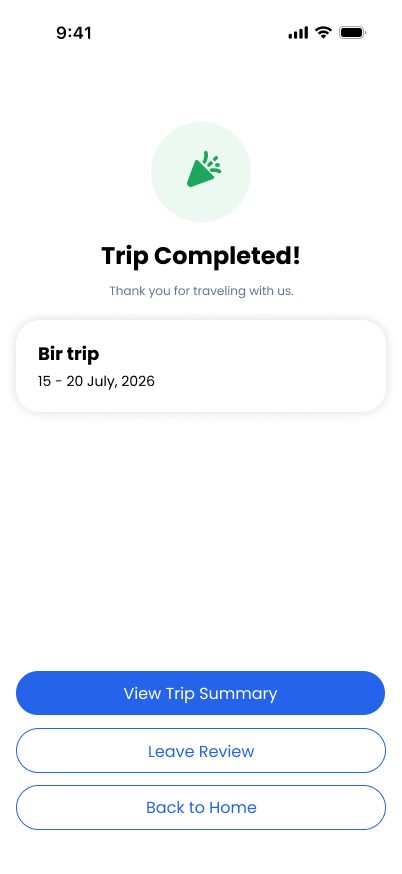
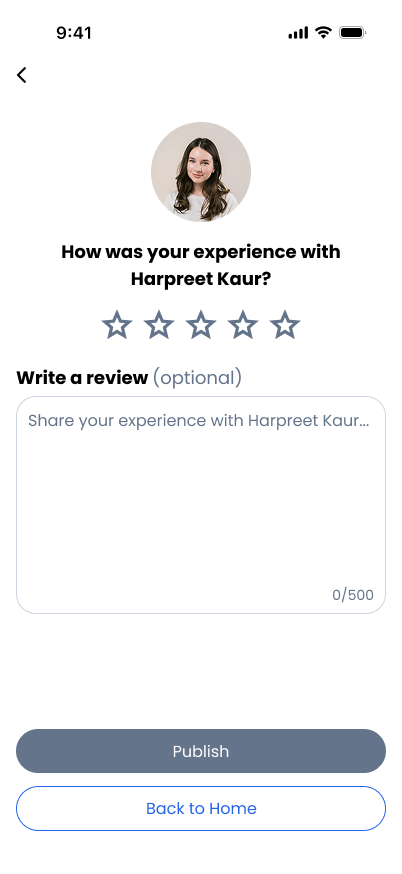
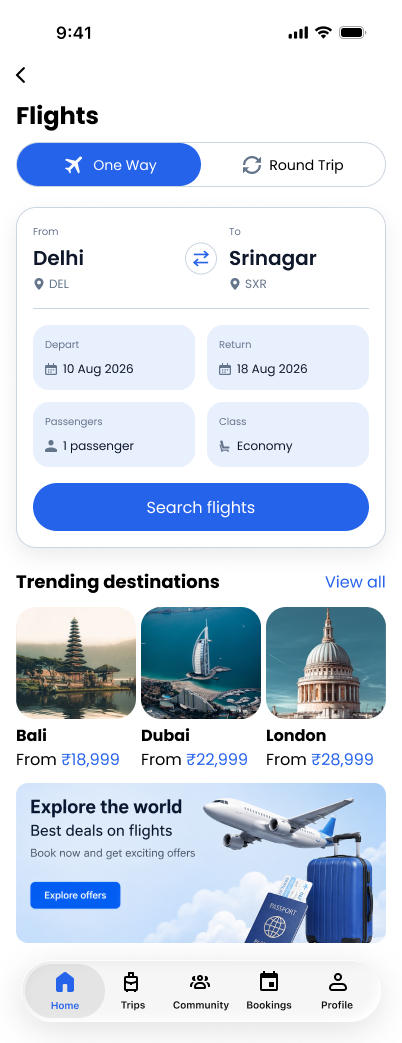
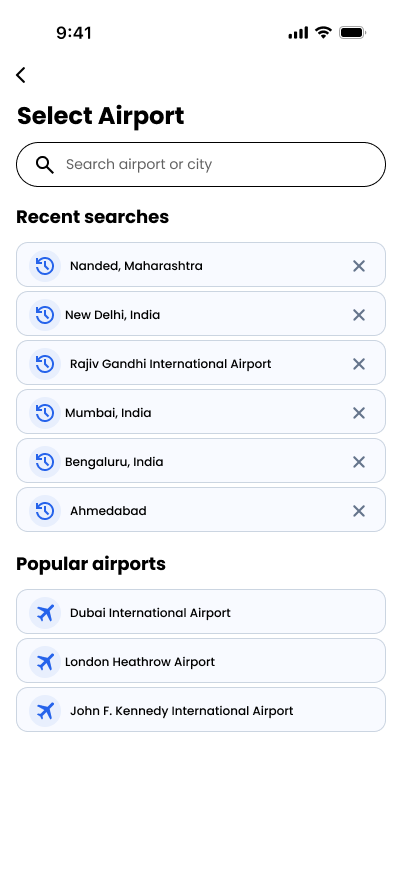
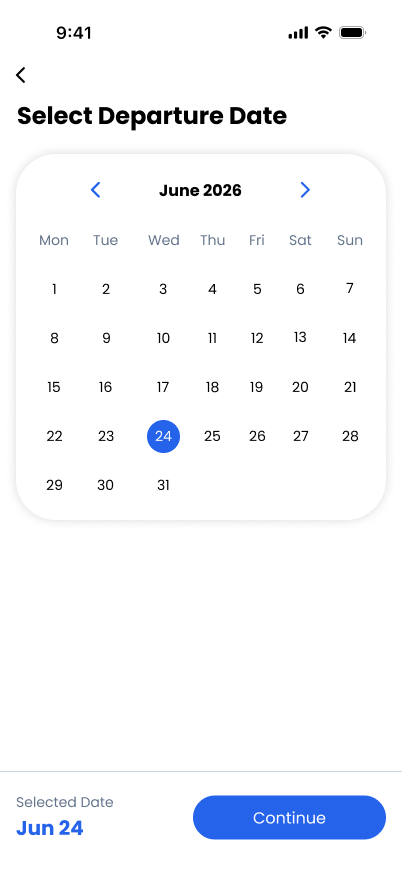
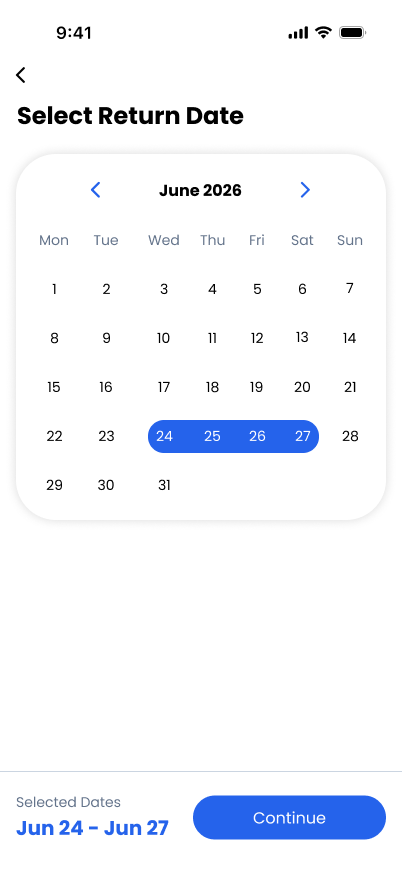
TravelVista helps people find travel partners and plan trips together. They can book flights and stays, and create custom travel packages—all in one place.
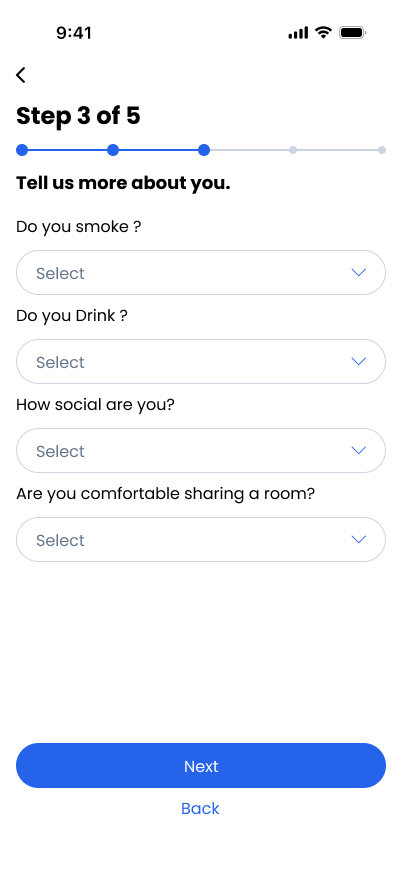
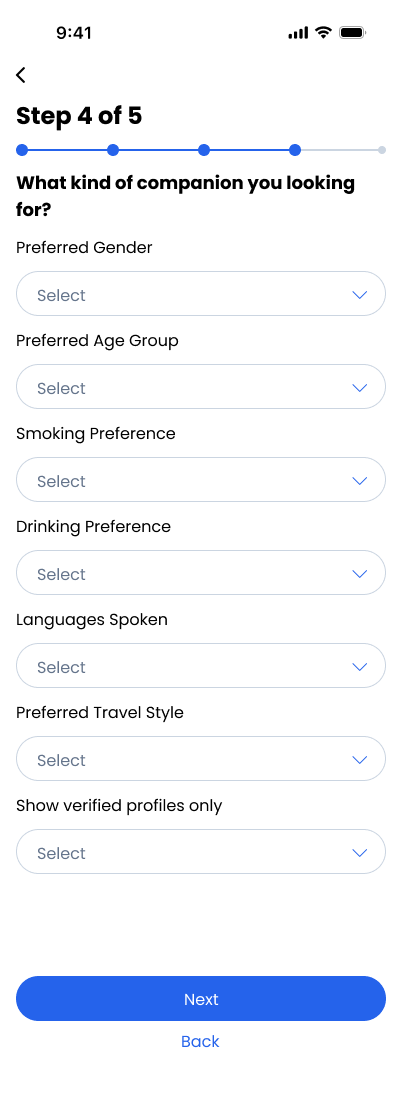
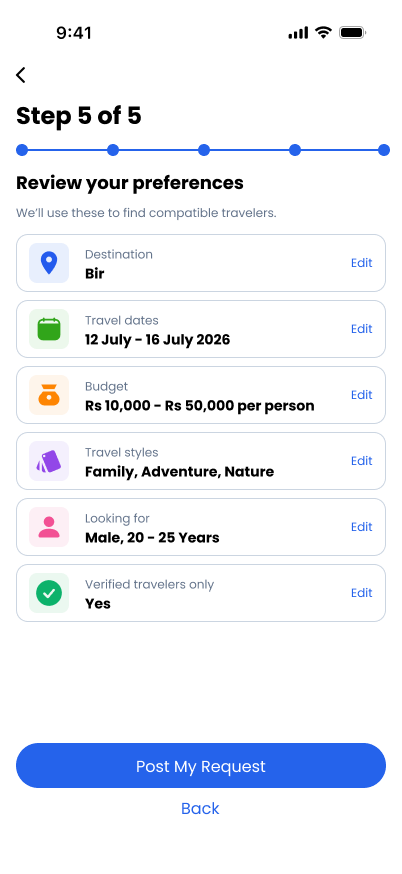
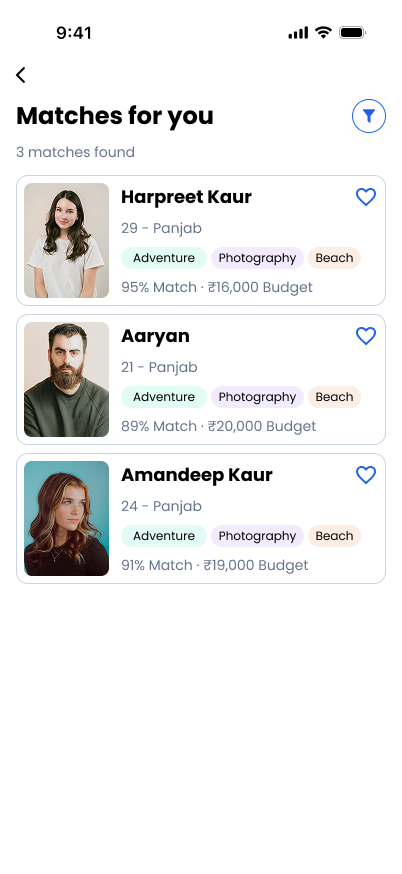
All research and screen designs are documented in FigJam and Figma.
Many travelers face difficulties when planning trips because their friends often cancel at the last moment due to personal schedules, budget issues, or other commitments. As a result, many trips get postponed or cancelled completely. At the same time, most travel booking platforms only provide fixed packages that do not allow users to customize trips according to their budget, preferences, or travel style. Additionally, there are very few platforms that help travelers connect with compatible travel partners or communities with similar interests. Because of these limitations, planning a trip becomes stressful, time-consuming, and less flexible for many travel enthusiasts.
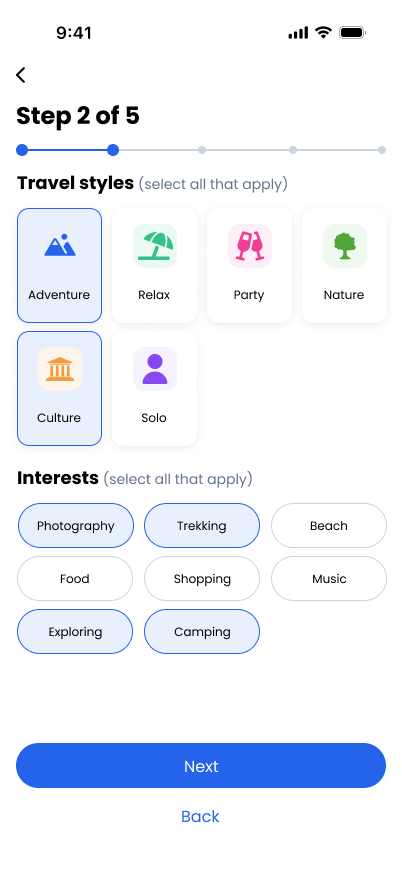
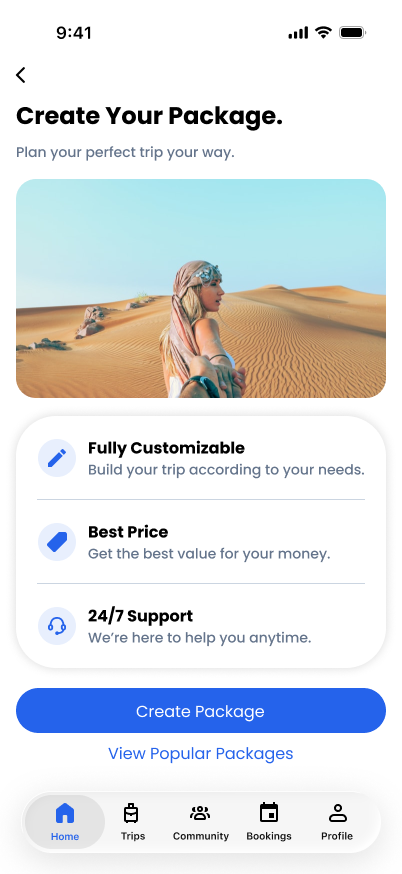
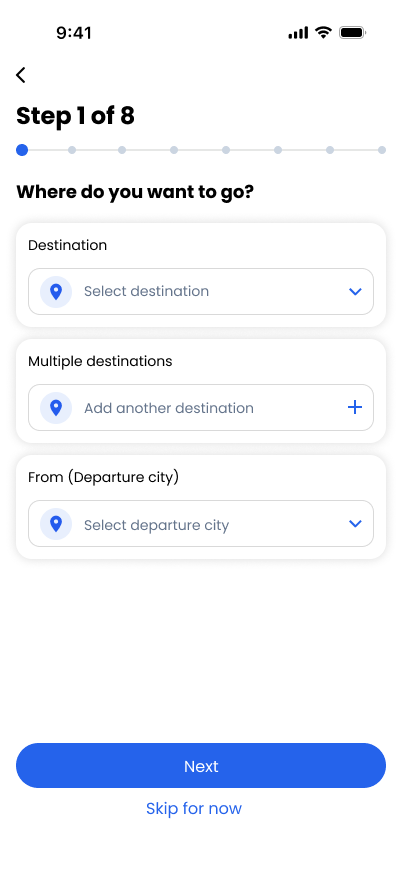
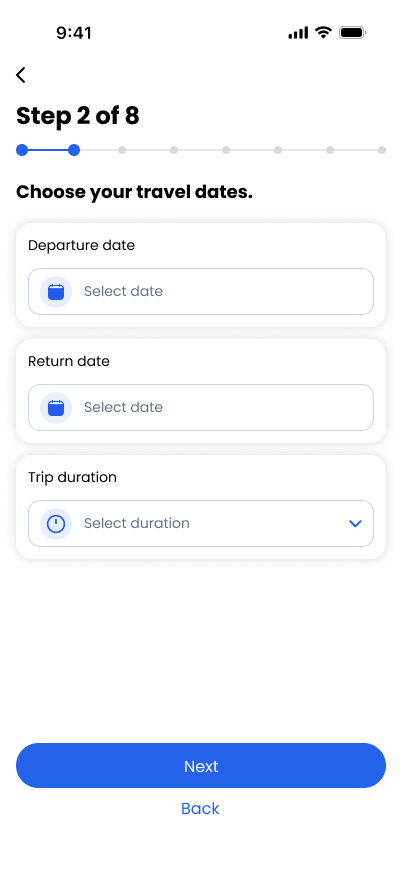
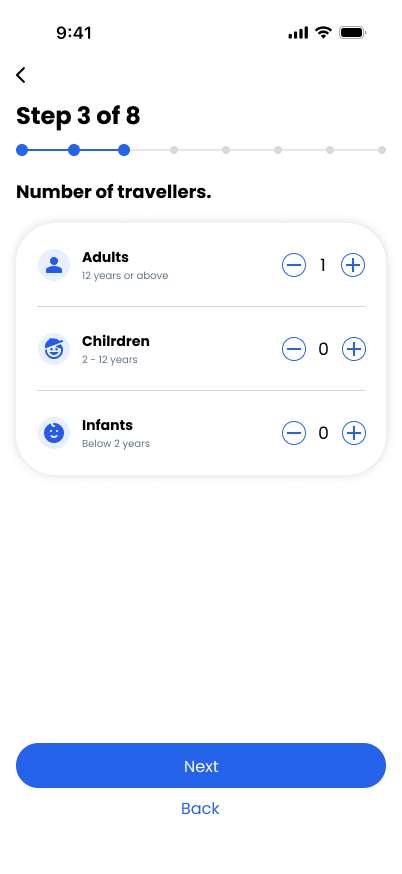
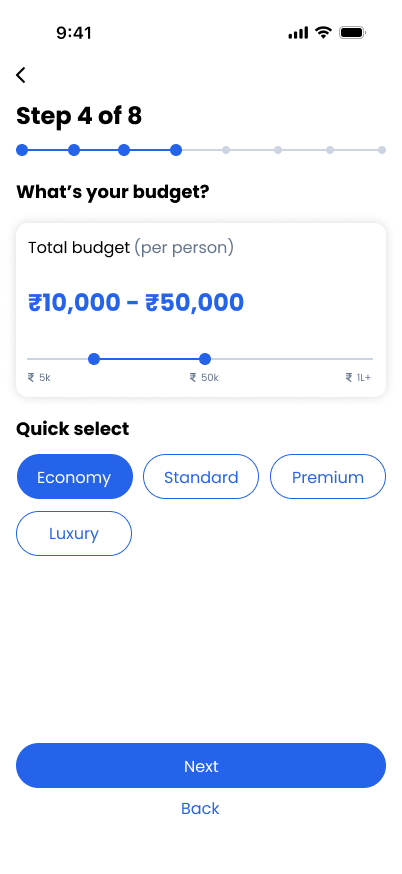
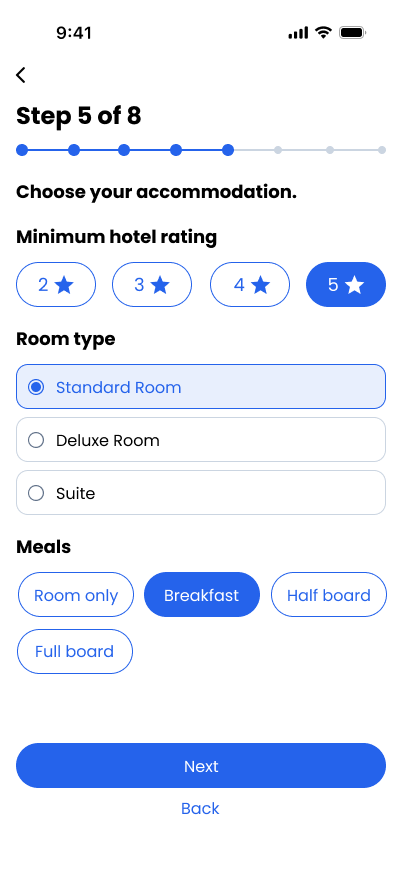
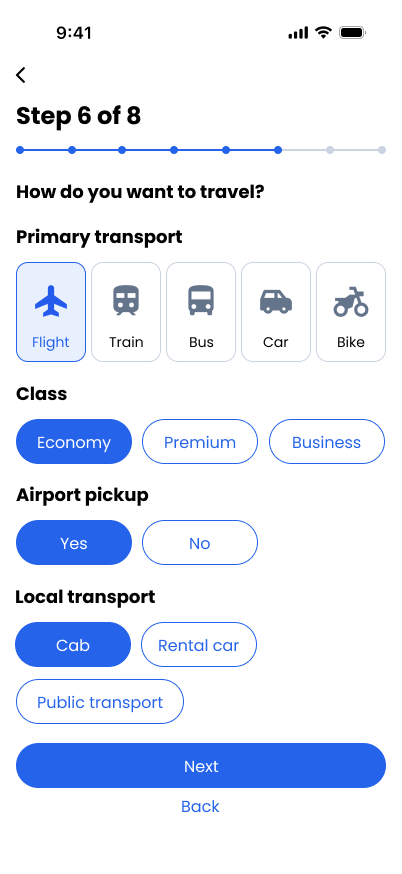
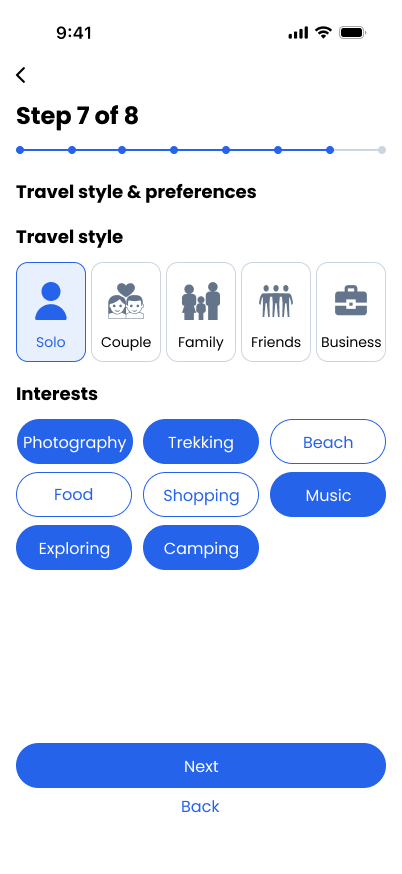
Our App provides a centralized and user-friendly platform where users can easily book tickets, hotels, and travel packages while managing their entire travel journey in one place. The app also enables users to connect and travel with strangers who have similar interests through travel communities and group trip features, making travel more social, affordable, and engaging. By combining booking services, personalized travel options, secure payments, and community interaction, the platform simplifies travel planning and enhances the overall user experience.
Target audience: People looking for travel partners and more flexible trip options.
The approach: Help them connect with travelers who share their interests and customize their travel plans.
I followed a user-centered process to understand travelers’ challenges, define the problem, explore ideas, and shape a solution.
“I want to travel, but it’s hard when my friends cancel at the last minute.”
“I wish I could shape a trip around my budget and preferences.”
“I’d like to meet travel partners who share my interests.”
“Planning a trip feels stressful when I have to manage everything separately.”
I usually plan trips with friends and book through apps.
I mostly use travel apps and sometimes pre-made packages.
I usually plan trips myself and book everything separately.
I mostly plan trips through apps with friends.
I usually book through apps or travel agencies.
The biggest problem is budget and coordinating everyone’s schedule.
Limited flexibility in packages is a problem.
Time management and finding the right travel partners.
Budget differences among friends cause problems.
Planning takes too much time.
Yes, my friends cancelled a Goa trip two days before departure.
Yes, my friends cancelled due to office work at the last moment.
Yes, it has happened multiple times.
Yes, one friend cancelled because of family reasons.
Yes, a trip was cancelled because two friends backed out.
Yes, they often refuse because of exams or money issues. It’s frustrating.
Yes, leave approvals are a big issue for them.
Yes, business priorities often change plans.
Yes, personal commitments often ruin plans.
Yes, budget and family commitments are common reasons.
I prefer customizable packages because I travel on a tight budget.
I prefer customizable packages to match my schedule.
I prefer fully customizable packages.
I prefer semi-customizable packages.
I prefer customizable packages for flexibility.
I would like to customize hotel type and activities.
Duration, hotel category, and travel mode.
Budget range and experiences (adventure, luxury, etc.).
Hotel quality and activities.
Budget and accommodation.
Yes, most packages feel expensive for students.
Yes, many packages don't fit my time constraints.
Yes, most packages are too generic.
Yes, I feel packages don't match my preferences.
Yes, standard packages don't suit my needs.
I would consider traveling with verified strangers if safety is ensured.
Maybe, but only if there is strong safety verification.
Yes, if the platform ensures compatibility matching.
Maybe, but I'm concerned about safety.
Maybe, if there are safety ratings and verified users.
ID verification, reviews, and group chat before the trip.
Background checks, ratings, and emergency support.
Verified profiles, mutual interests, and clear trip plans.
Female-only groups, verified IDs, and reviews.
Emergency support and verified user badges.
Yes, I would join a travel community to find like-minded travelers.
Yes, if the community is active and moderated.
Yes, I like meeting new people and networking while traveling.
Yes, especially if I can filter people by interests.
Yes, if it helps me travel more often without depending on friends.
Travelers may struggle to plan trips that fit their budget and preferences, especially when friends can’t join.
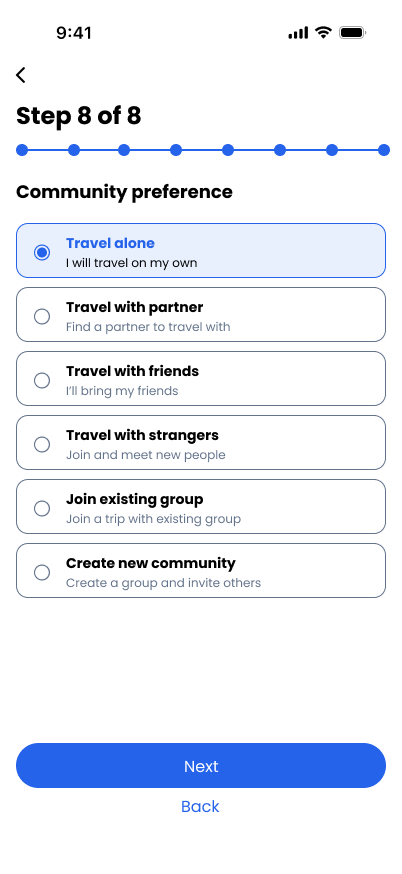
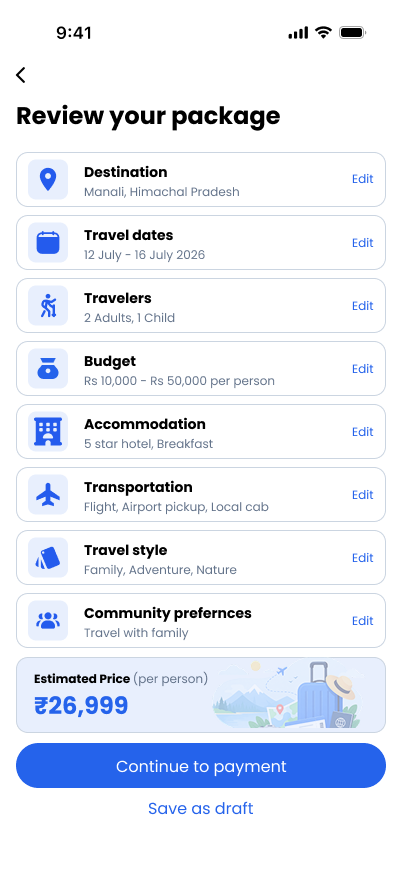
We help travelers plan trips that fit their budget and preferences, while finding trusted travel partners when friends can’t join.

I love traveling, but it’s hard to plan trips when friends cancel or our schedules don’t match.
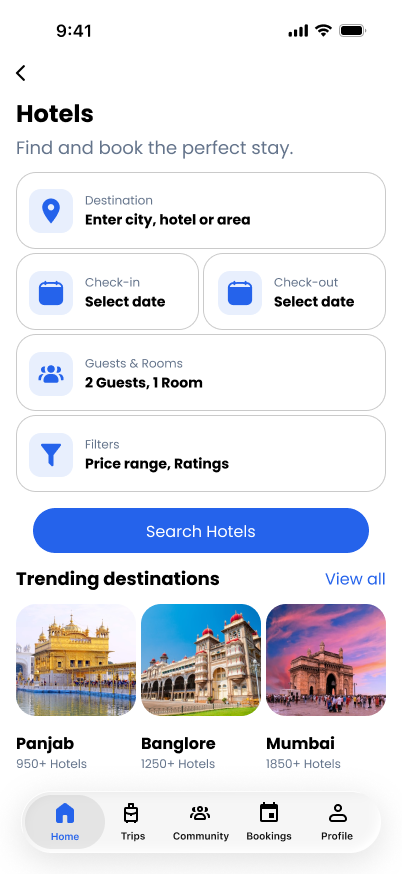
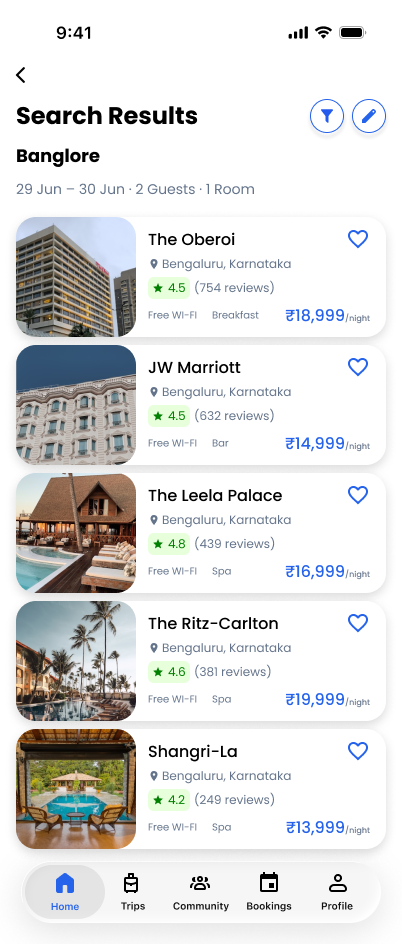
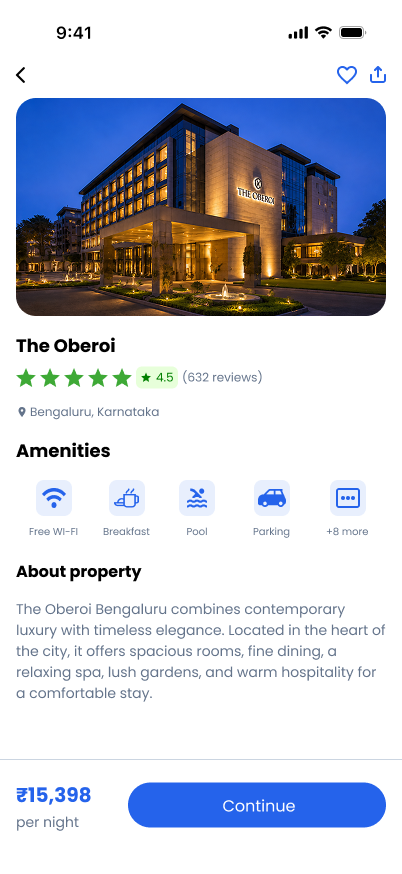
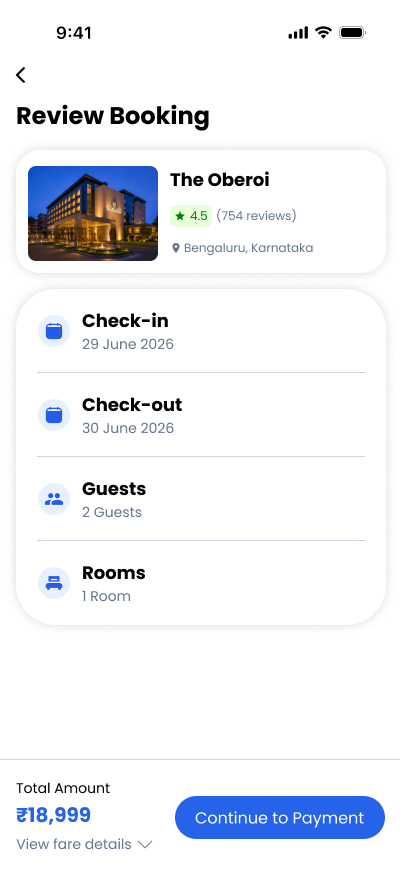
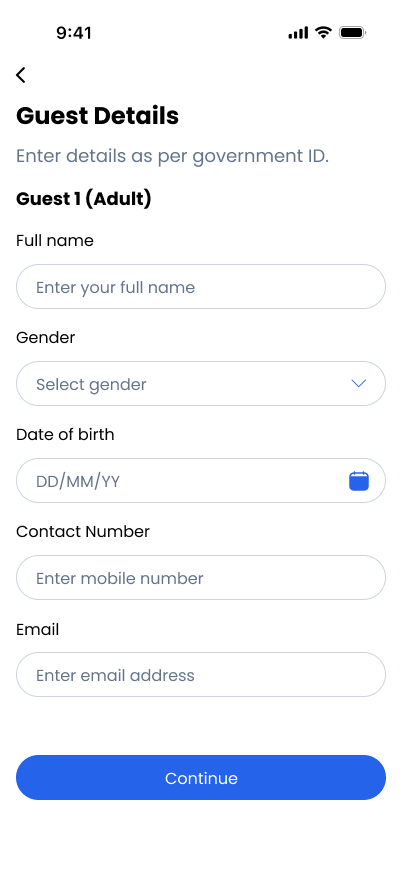
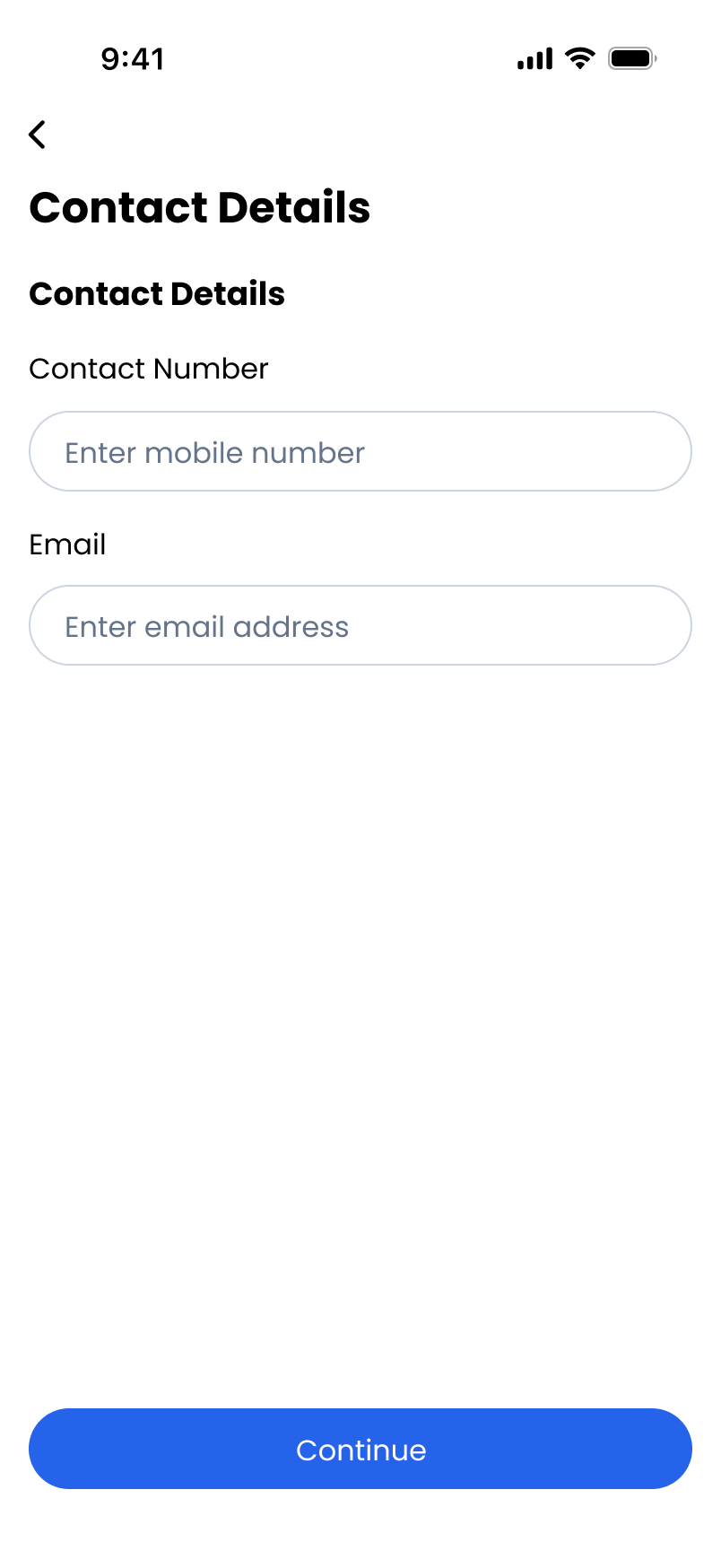
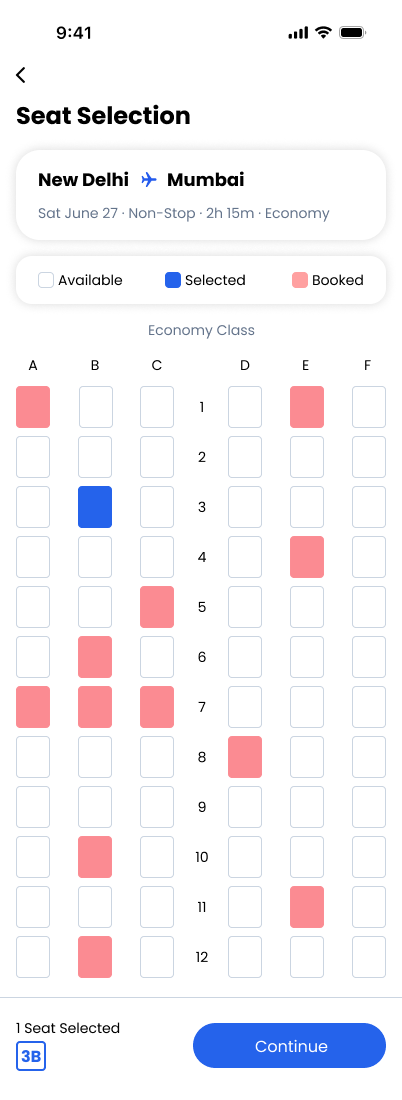
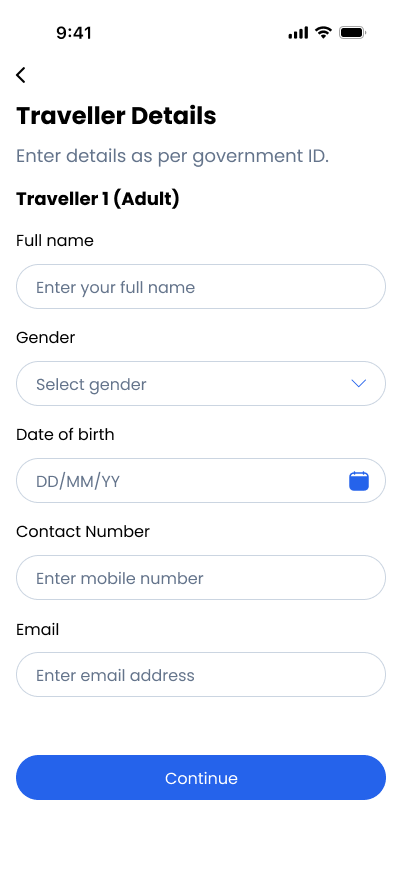
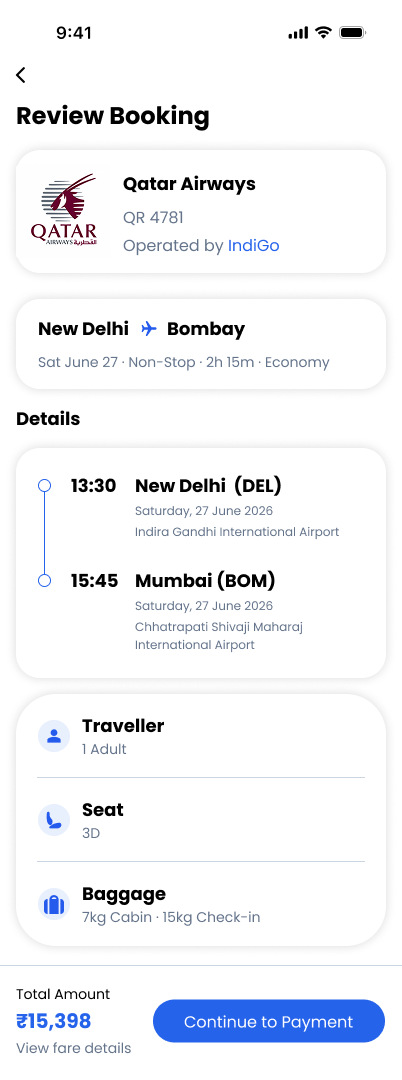
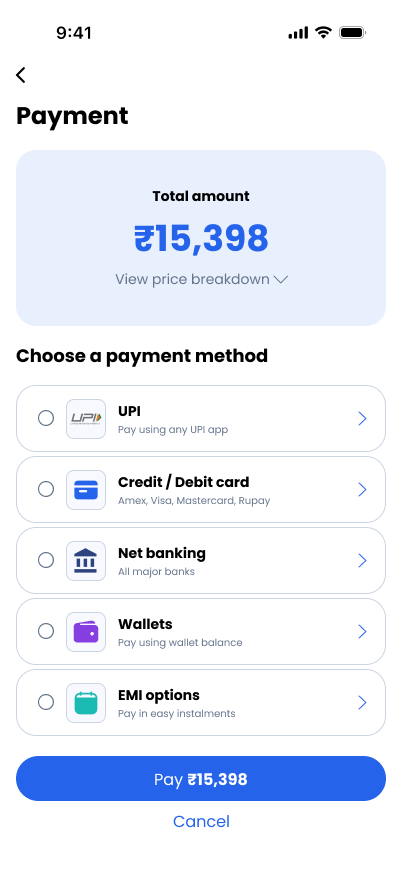
This flow shows the hotel booking process in the app.
| Name Of The Feature | Description | Our App | Goibibo | ixigo | MakeMyTrip |
|---|---|---|---|---|---|
| Ticket Booking | Users can book flights, trains, and buses easily from one platform. | Have this feature | Have this feature | Have this feature | Have this feature |
| Hotel Booking | Users can search, compare, and book hotels for their trips. | Have this feature | Have this feature | Have this feature | Have this feature |
| Travel Packages | Provides domestic and international travel package options. | Have this feature | Limited | Limited | Have this feature |
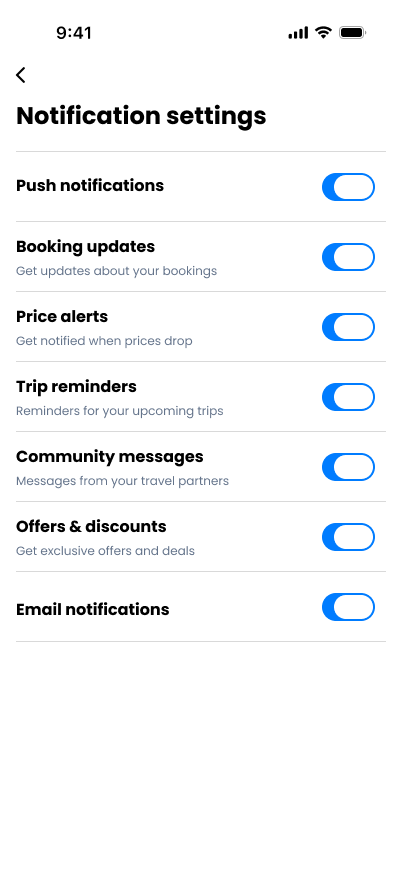
| Real-Time Updates | Gives live booking alerts, train status, and trip notifications. | Have this feature | Have this feature | Have this feature | Have this feature |
| Travel Communities | Allows users to join travel groups and communities. | Have this feature | Don’t have this feature | Don’t have this feature | Don’t have this feature |
| Travel with Strangers | Users can connect and travel with strangers having similar interests. | Have this feature | Don’t have this feature | Don’t have this feature | Don’t have this feature |
| Package Customization | Users can customize trips according to budget and preferences. | Have this feature | Don’t have this feature | Don’t have this feature | Limited |
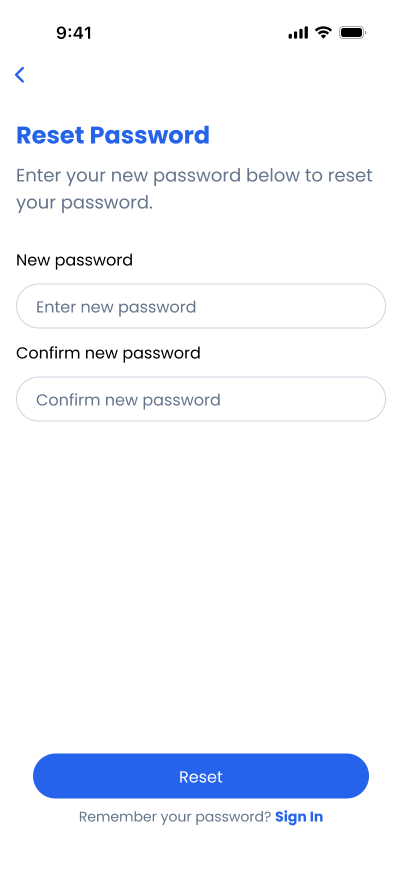
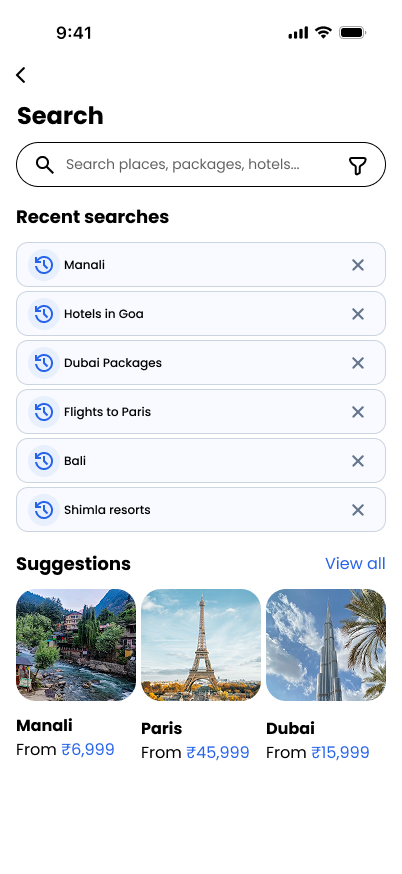
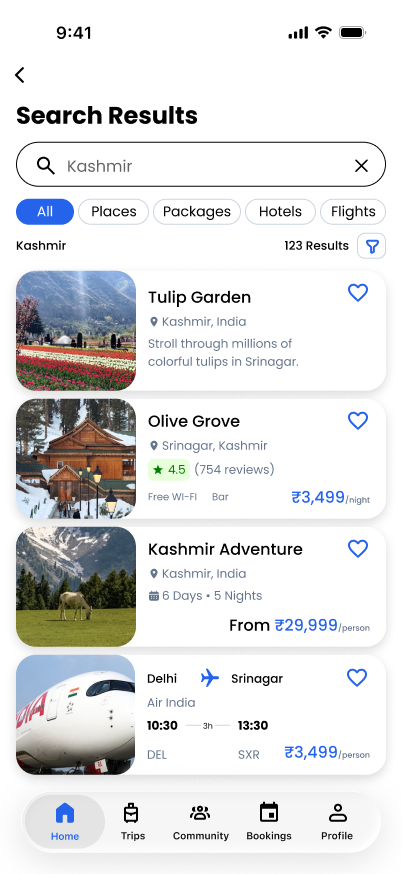
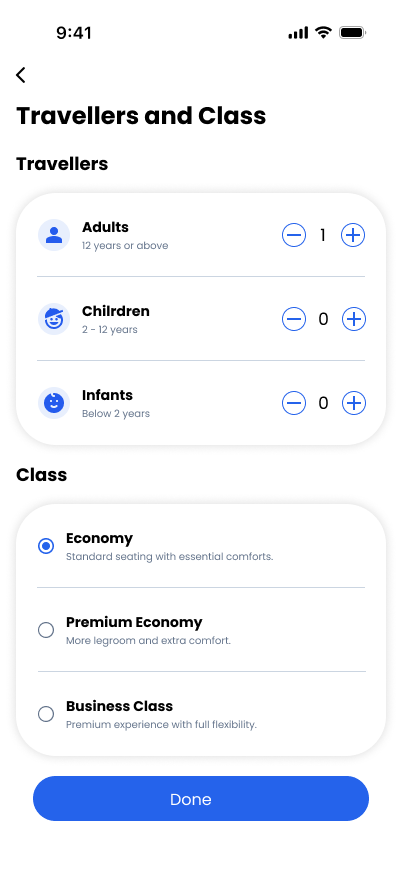
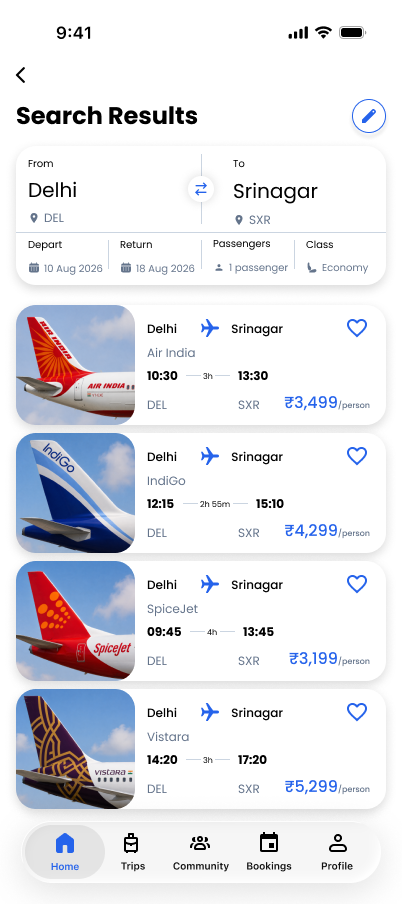
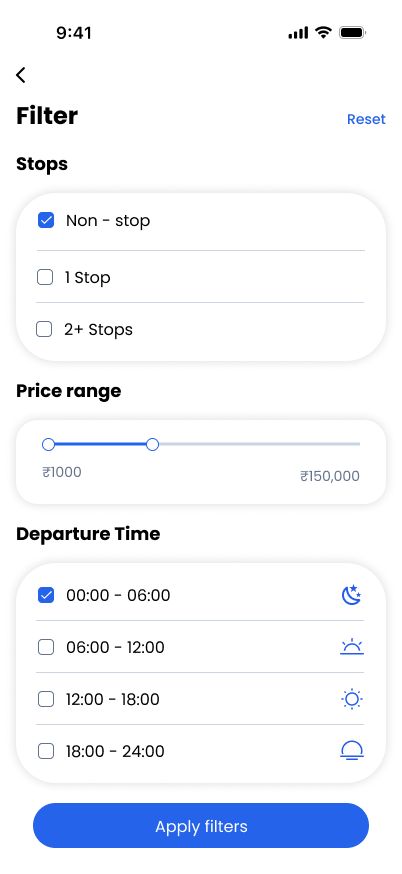
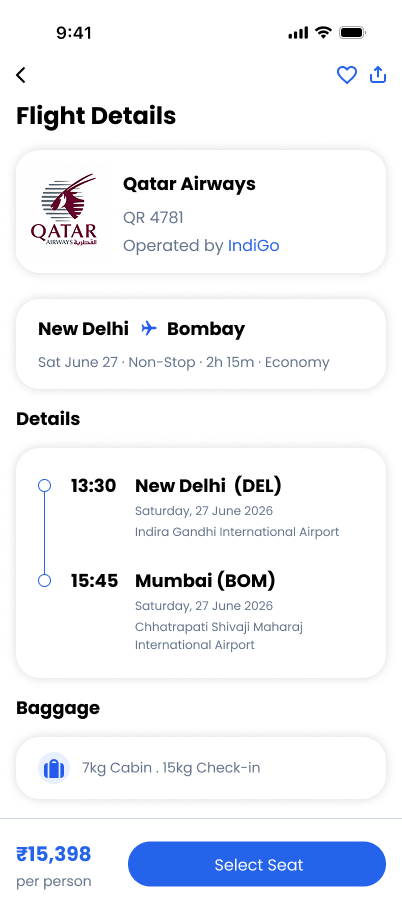
A clear, friendly visual system keeps trip planning easy to scan. Strong blue marks the main actions and selected choices, while restrained type sizes and soft surfaces keep forms, search results, and booking details readable.
#2563EB#64748B#CBD5E1#F8FAFC#22C55E#D1FAE5#E8EFFD#DC2626#FEE2E2See the screens in Figma: Open the Figma file ↗